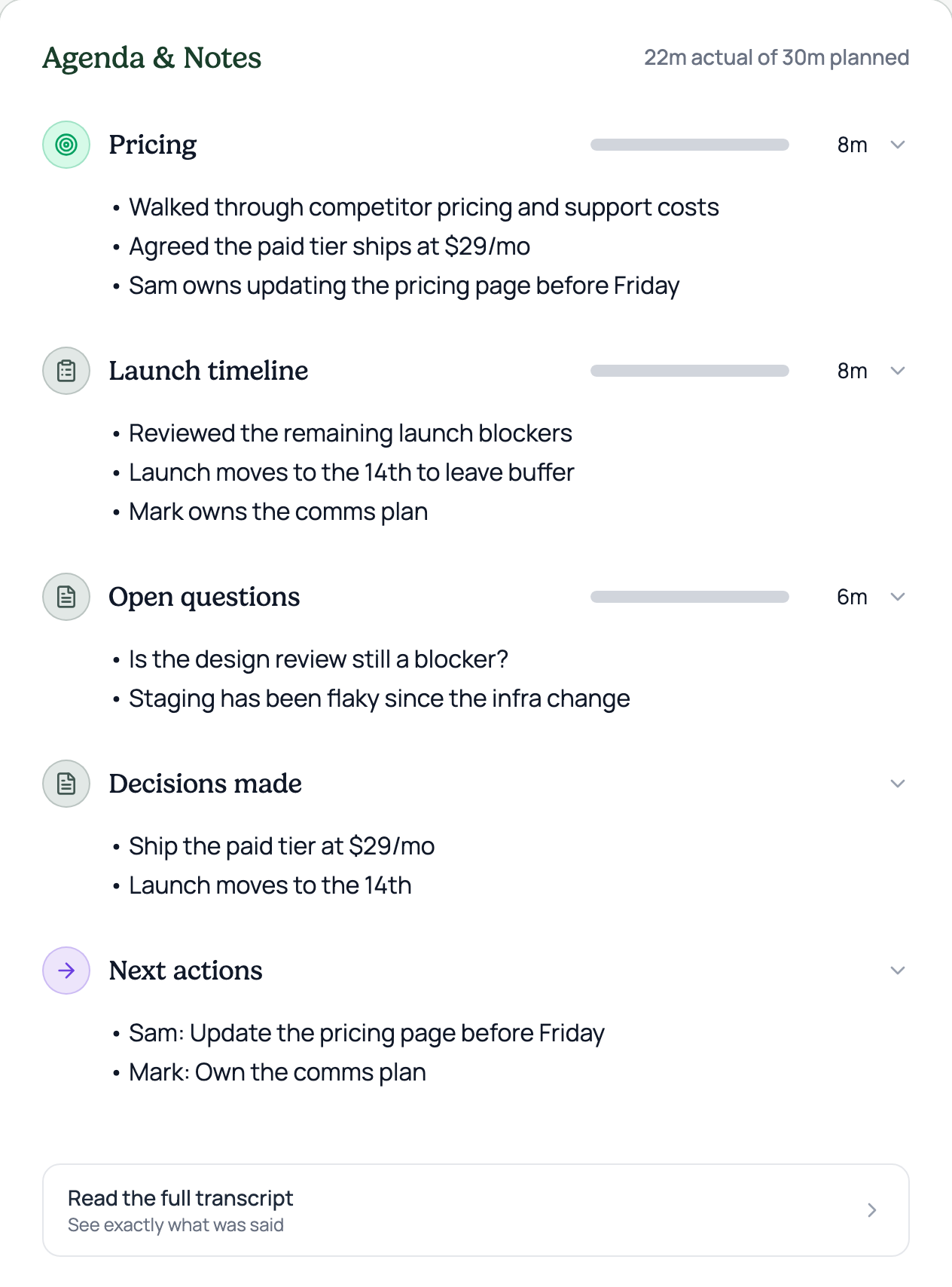
Dev-only design mock · captured from the real running app (/meeting/mock)
States
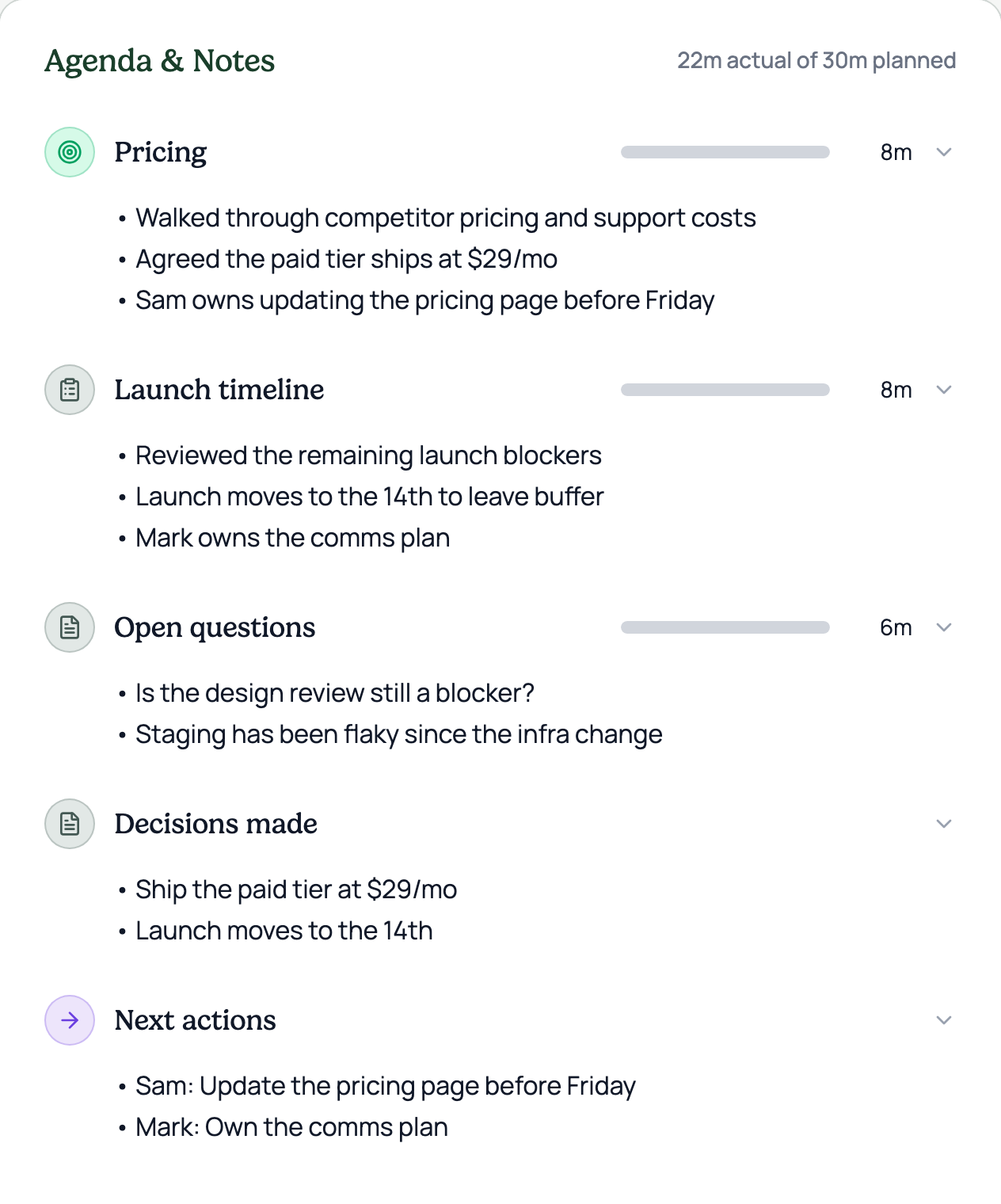
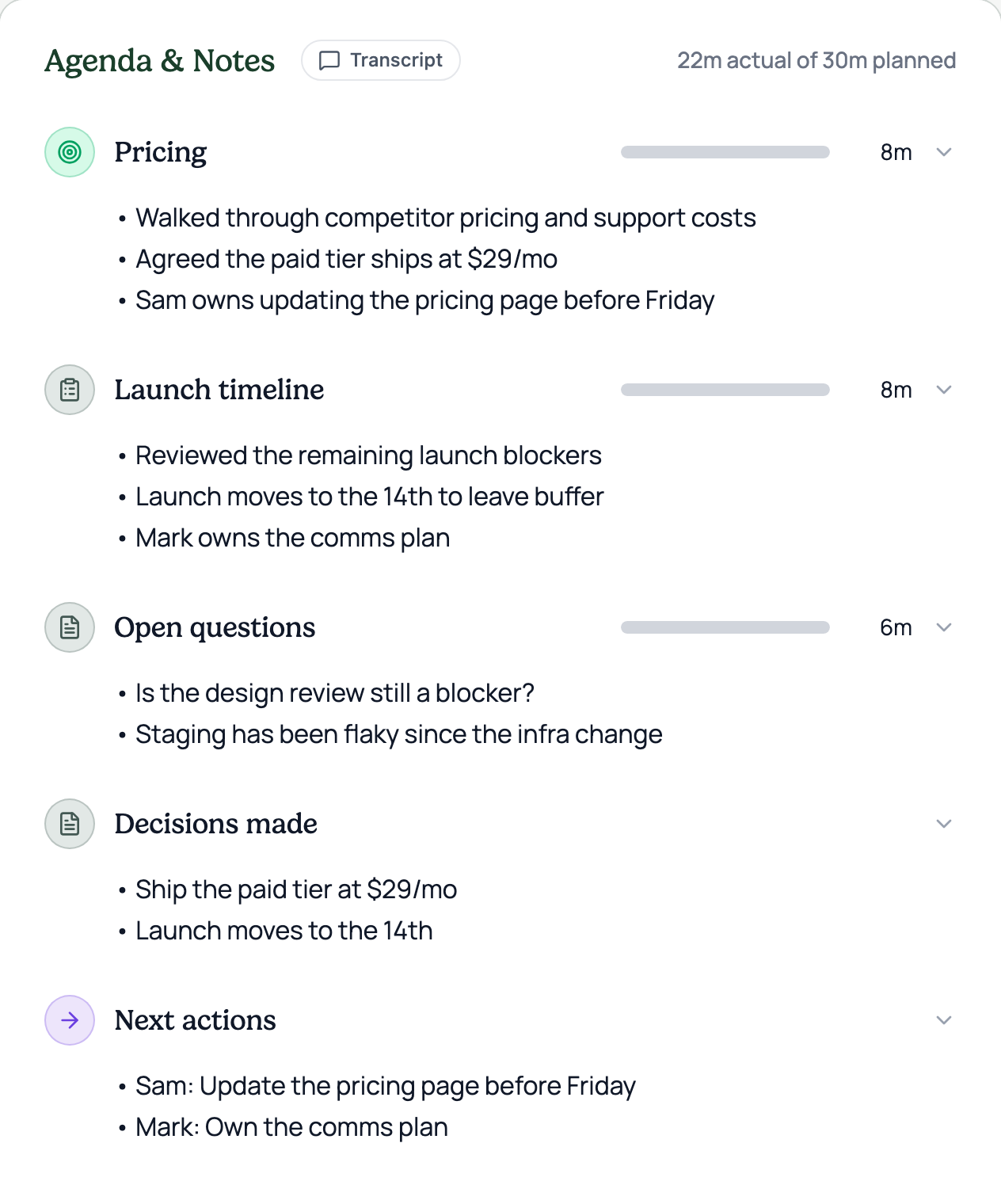
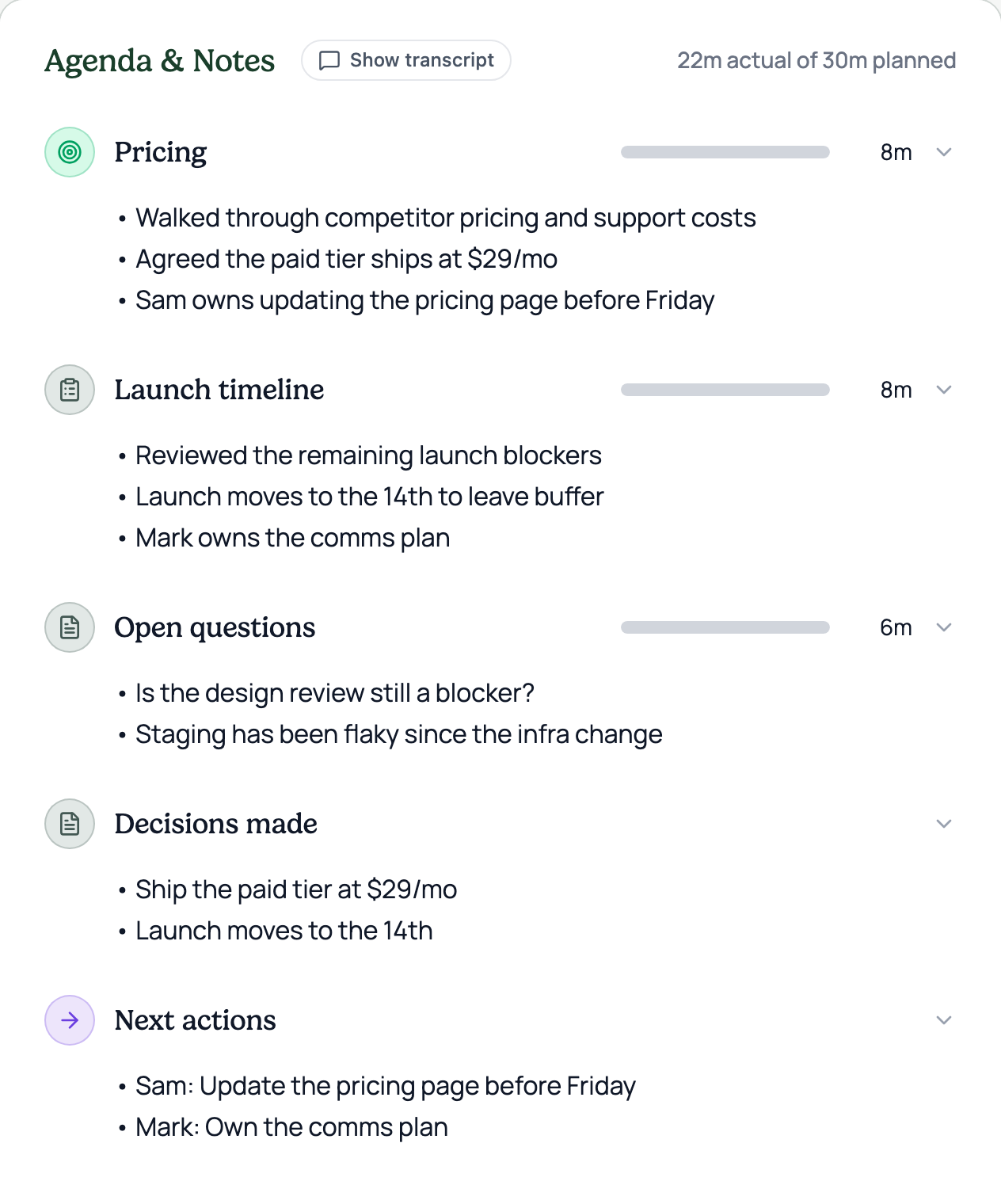
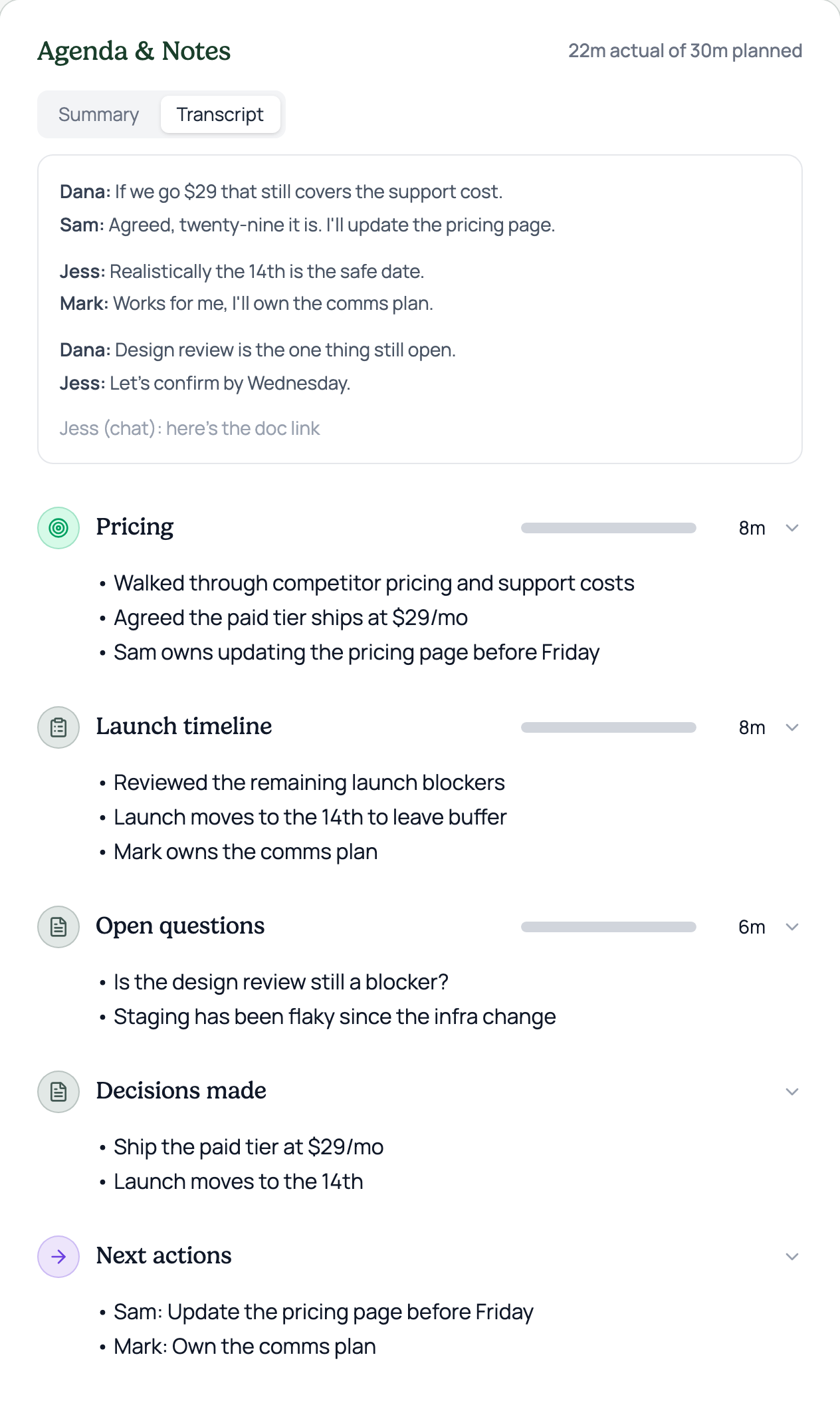
Current — the transcript lives in the bottom ⋯ menu, nothing near the notes.V1 — a Transcript button right beside the Agenda & Notes title.V2 — hovering the heading reveals a Show transcript button.V3 — a Summary / Transcript toggle at the top of the notes.V4 — a Read the full transcript button at the end, below the current notes.